Install OpenCV 3 for Python on Windows
By Justin
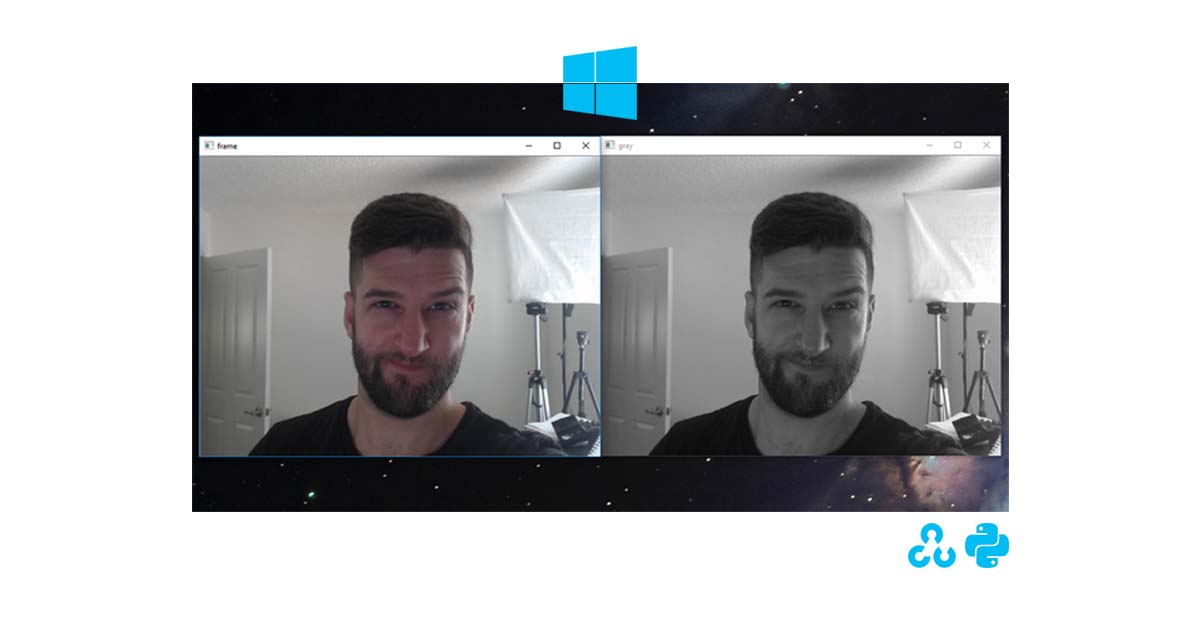
OpenCV, aka Open Computer Vision, is an incredible library for doing everything from Face Recognition, Object Recognition, to edge detection, image manipulation, and much more. This guide is to help you get it installed on your Windows 10 computer.
Linux Guide Try using Pi Awesome
===============
Watch
===============This was tested on Windows 10 with Python 3 as the default install. Which is the setup I recommend for you anyways. If you're using Python 2.7, consider this guide.
1. Install Via PIP
pip install opencv-contrib-python --upgrade
or without extra modules:
pip install opencv-python
2. Test OpenCV Installation
C:\> python
>>> import cv2
>>> print(cv2.__version__)
'3.4.0' # your version may be a newer one
3. Test a webcam with this post.
Now you're ready to rock with OpenCV on your Windows